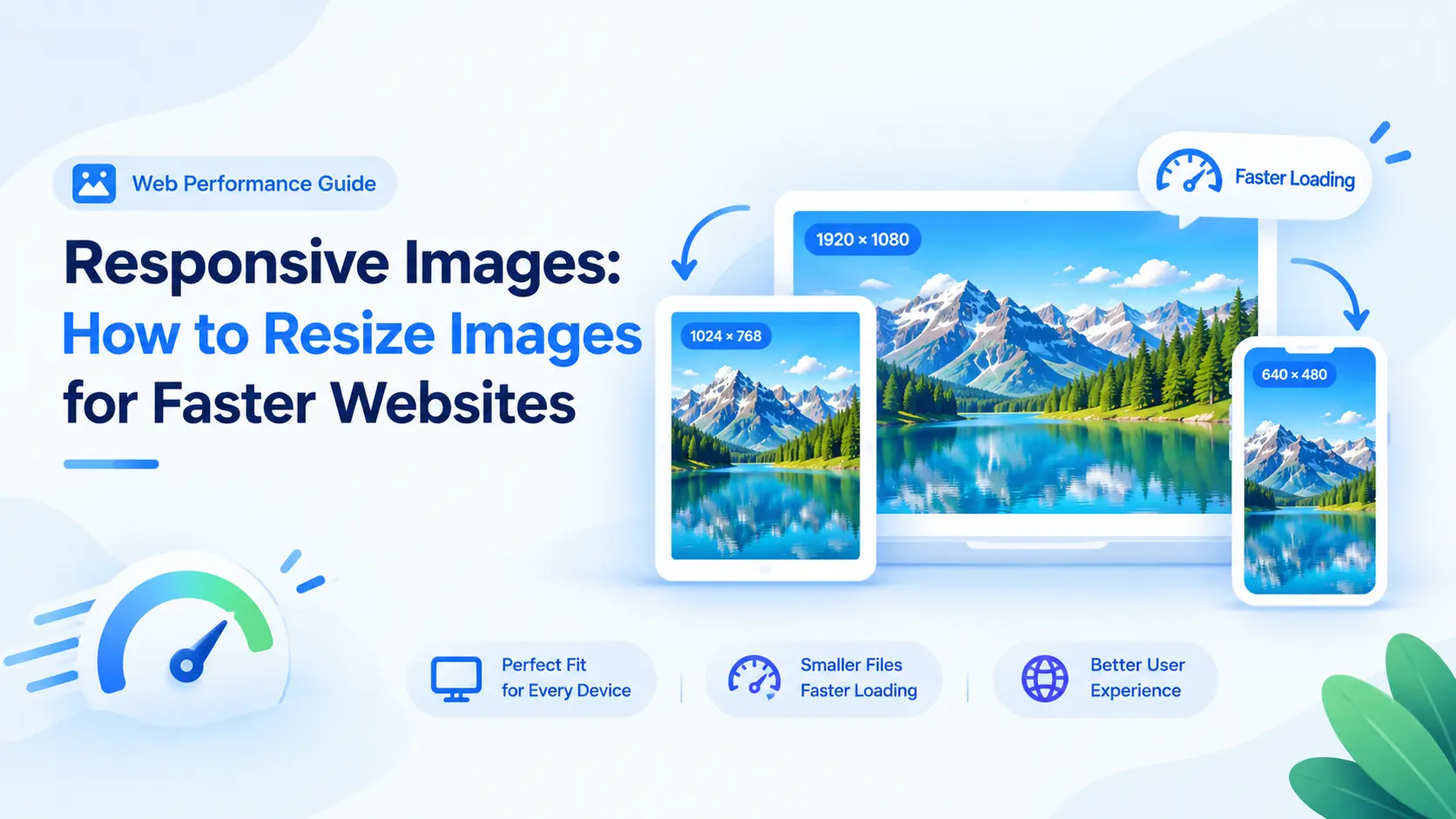
A responsive website should not send a desktop-sized image to every phone. Prepare a small set of useful widths and let the browser choose the closest match for the visitor’s layout and screen density.
Start from rendered size
Measure the image slot in the layout. A card that renders at 360 CSS pixels on mobile may need a 720-pixel candidate for a high-density display, while a full-width desktop hero needs more. The goal is a source large enough for the slot without being dramatically oversized.
Create a small width set
A practical set might include 480, 768, 1200, and 1600 pixels wide, adjusted for the layout. Keep the same crop and aspect ratio across the set unless mobile needs a different composition.
Use srcset and sizes together
In HTML, srcset lists candidate files and intrinsic widths. sizes tells the browser how wide the image is expected to render. Together they help the browser choose a suitable file. Include meaningful alt text and explicit width and height values.
Choose a modern format
WebP often offers a useful balance for photographs and graphics, while JPEG and PNG remain practical fallbacks. AVIF can be smaller in some cases but needs a fallback. Use a picture element when format or art-direction switching is needed.
Prepare repeatable exports
Use the client-side image resizer to produce width variants without uploading source files. Name them consistently and test the page on a narrow connection.
Frequently asked questions
Do responsive images make a site faster?
They can reduce unnecessary downloads by letting the browser select a file closer to the rendered size. The result depends on candidates, layout, format, and loading.
How many sizes should I make?
Start with a few widths that match real breakpoints and content slots. Add another only when testing shows a meaningful gap.