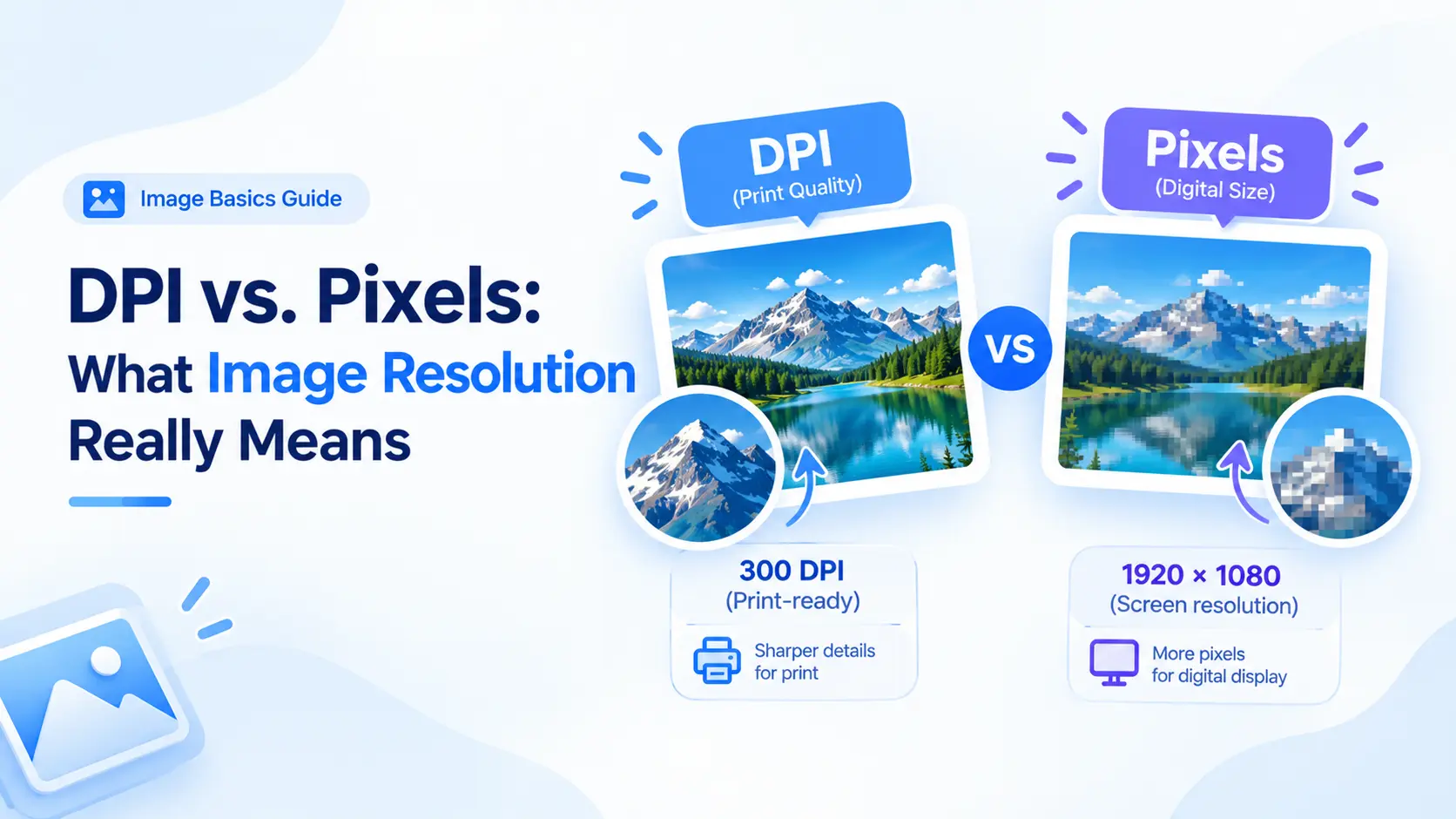
Pixels describe the image itself. DPI describes how densely those pixels are placed when a printer maps them to a physical page. Confusing the two can lead to oversized files, soft prints, or the wrong physical size.
Pixels are building blocks
A 2,400 × 3,000 image contains a fixed grid of pixels. That grid controls how much visual information the file can hold. On a screen, the image is displayed in CSS or device pixels. The same file can appear at different physical sizes.
DPI connects pixels to inches
For print planning, pixels ÷ DPI = inches. A 3,000-pixel-wide image at 300 DPI is 10 inches wide. The same pixel width at 150 DPI is 20 inches wide. Changing a DPI label without changing pixel data changes the suggested print size, not the detail stored.
Choose a target before export
If you need a 10 × 8 inch print at 300 DPI, a useful target is 3,000 × 2,400 pixels. For a web image, physical inches are not the deciding factor; use the width needed by the layout and optimize the file for delivery.
Use the resizer as a calculator
ImageResizer Pro shows pixel, centimeter, inch, and millimeter inputs with a live physical-size calculation. Open the DPI and resolution guide, upload the original, choose the unit and DPI, and confirm the resulting pixel dimensions.
Frequently asked questions
Is 300 DPI always better?
300 DPI is a common print target, but it is not necessary for every print. A poster viewed from a distance can use a different balance.
Does DPI affect web quality?
Browsers primarily use pixel dimensions and rendered CSS size. DPI metadata alone does not make a web image sharper.