The best image format depends on what the image contains and where it will be used. A photograph, transparent logo, and screenshot with tiny text have different compression needs.
Use JPG for photographs
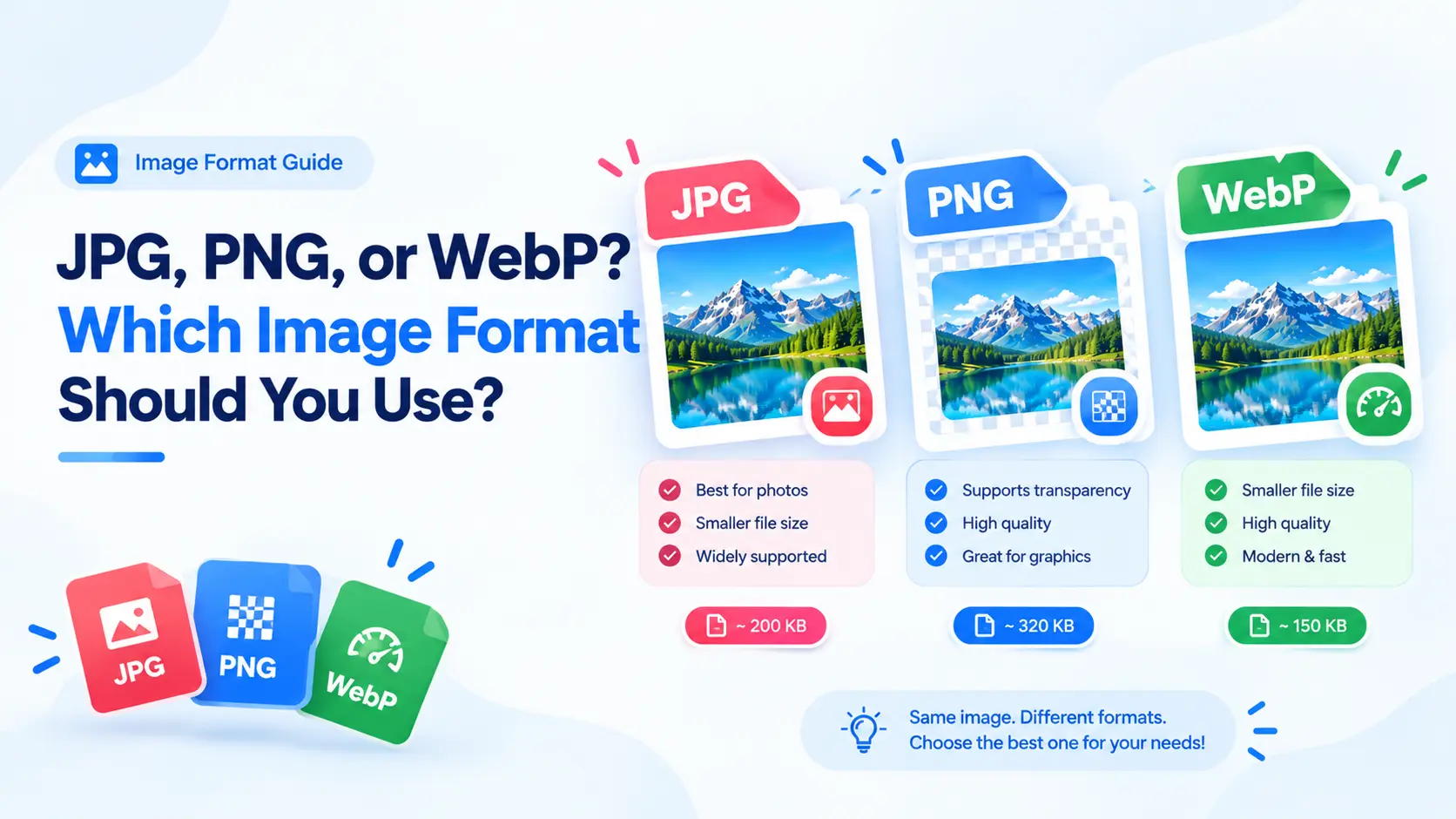
JPG is dependable for photos with many colors and soft transitions. It uses lossy compression, so low quality can introduce blocking or smeared detail. Export once from the original and inspect faces, foliage, and fine textures.
Use PNG for transparency
PNG works when an image needs an alpha channel, such as a logo over a changing background. It also suits screenshots, diagrams, and flat graphics. PNG is not automatically smaller; a photographic PNG can be much heavier than JPG or WebP.
Use WebP for modern web delivery
WebP supports lossy and lossless compression and is widely supported by modern browsers. It can be a strong default when you control the HTML and can provide a fallback. Keep an original master because repeated lossy exports compound artifacts.
Match quality to content
A single quality number does not produce the same result for every image. Compare at the actual display size, then zoom in on text and high-contrast edges.
Convert and compare
The ImageResizer Pro editor can resize and convert in one pass. Try JPG, PNG, and WebP with the same dimensions and choose the smallest file that meets your visual standard.
Frequently asked questions
Is WebP better than JPG?
WebP can be smaller at similar visual quality in many web scenarios, but JPG remains broadly compatible. Let the destination decide.
Why is my PNG larger than JPG?
PNG uses lossless compression and is designed for different image characteristics. Photos often compress more efficiently as JPG.